


 SkilzHub Certification
 Adobe Certification
 Google Certification
 Meta Certification
 Semrush Certification
 Hubspot Academy Certification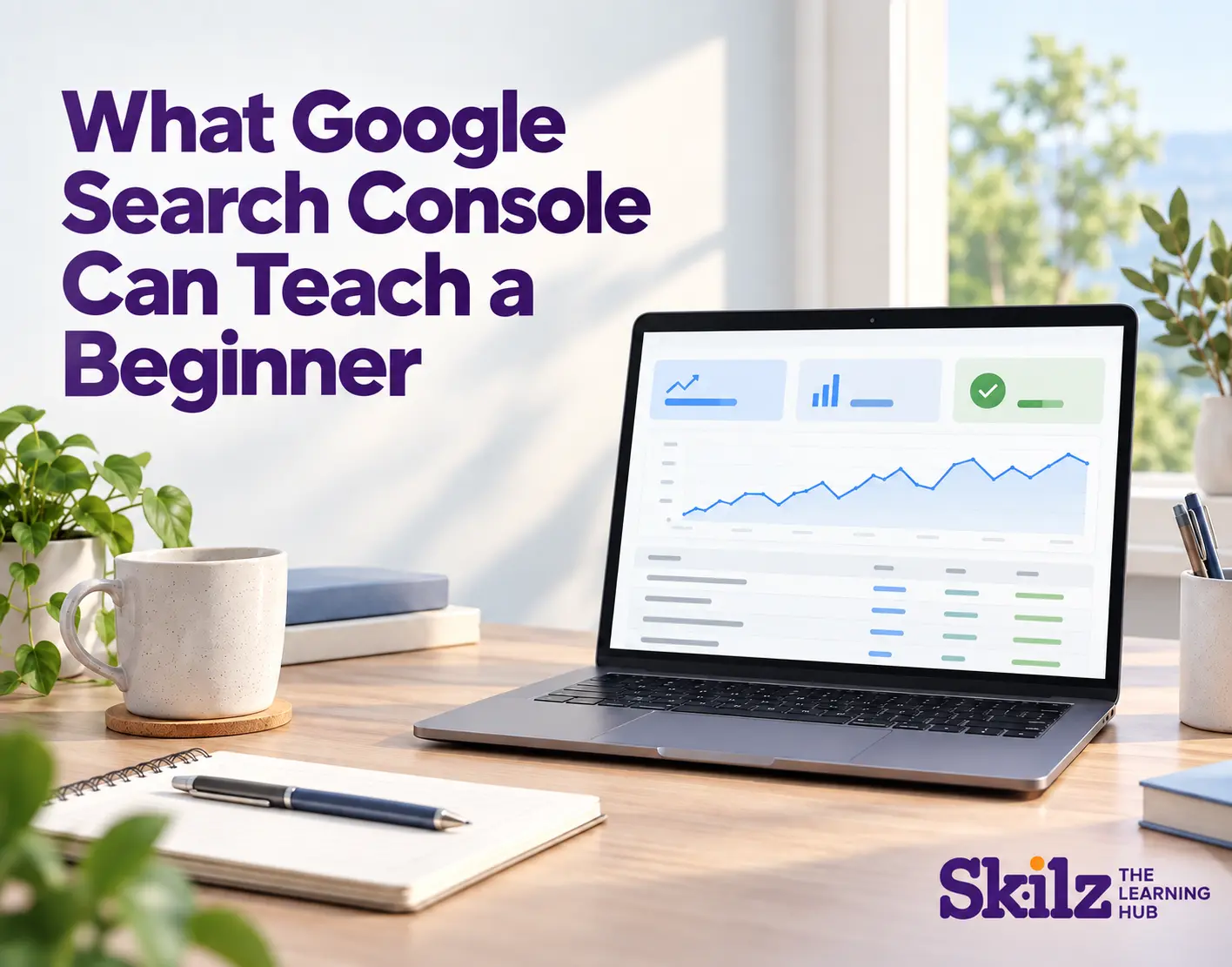
What Google Search Console Can Teach a Beginner
You publish a blog, wait a few days and search for it on Google. It does not appear where you expected. Is the page missing from Google, or are people simply searching with different words?
Google Search Console can help you find out. It shows how people discover your website through Google Search and points out some problems that may stop important pages from appearing. For someone learning SEO, it is a useful place to connect classroom lessons with what happens on a real website.
See What People Actually Search For
A business may describe its service one way, while customers search for it another way. The Performance report shows the search queries that brought a website into Google results.
Imagine a training institute has written a page about digital marketing classes. The team expects people to search for “digital marketing course”, but the report also shows searches about internships and practical training. That gives the writer a clue about what prospective students want to know. The page can then answer those questions more clearly, where they are relevant.
The lesson is simple: keyword research does not end when a page is published. Search data can help you understand your audience better.
Learn the Difference Between Being Seen and Being Visited
Search Console shows impressions, which tell you when a page appeared in search results, and clicks, which tell you when someone selected it.
Suppose a blog receives many impressions but few clicks. Its title may be too general, or it may not clearly match what the searcher needs. That is a reason to review the search queries, the title and the page itself. It is not proof that changing one word will fix the problem.
A beginner also learns to look beyond a single day’s numbers. Comparing a longer period can give a clearer view of whether a page is gaining attention.
Find Out Which Pages Need a Closer Look
The Performance report lets you look at individual pages. You may find that an older article brings in steady search traffic while a newer one receives little attention. Open the queries for each page and read the content again. Does the page answer what people seem to be looking for? Is the information clear and useful?
This is where SEO becomes more than adding keywords. Search Console gives you a starting point; you still need to read the page and make a sensible decision about what to improve.
Check Whether Google Has Indexed a Page
If a page has no search data, first check whether Google has indexed it. An indexed page is eligible to appear in Google Search, although indexing does not guarantee a ranking or a visit.
Search Console’s URL Inspection tool lets you check a specific page. Its Page indexing report gives a wider view of pages Google knows about and reasons some are not indexed. Beginners should pay particular attention to important pages, such as course and service pages. Some other URLs may be left out for valid reasons.
Turn Numbers Into Better Questions
The biggest skill Search Console teaches is how to investigate. If a page loses clicks, check whether its impressions changed too. If a page appears for an unexpected query, ask whether the content answers that search well. If an important page is not indexed, check the reason before making changes.
At SkilzHub, students learning digital marketing can use tools like Search Console to see how SEO decisions play out on real pages. For anyone looking for a digital marketing institute in Perinthalmanna, learning to read search data is a practical step towards doing the work with more confidence.
You do not need to understand every report on your first visit. Start with one page, look at the searches that show it, and ask what the numbers can teach you about the people you want to reach.




Comments (0)
Please login to leave a comment.
No comments yet. Be the first to comment!